
Ever lost a hot lead because you forgot to follow up… again? Or spent 30 minutes digging through Gmail threads just to find a client’s invoice number? You’re not disorganized—you’re just running without a CRM. And guess what? 58% of small businesses that adopt CRM software report improved customer retention (Salesforce, 2023). Yet 42% still rely on spreadsheets, sticky notes, or “hope I remember.”
If you’ve ever asked, “What is CRM software?” this post cuts through the jargon and delivers exactly what you need: a clear, practical, no-fluff breakdown built for real small business owners—not tech bros selling vaporware. You’ll learn:
- What CRM software actually *does* (and why spreadsheets aren’t cutting it)
- How to pick the right one without drowning in features you’ll never use
- Real examples of solopreneurs and teams using CRMs to reclaim hours each week
- And yes—even which ones won’t break your bank
Table of Contents
- Key Takeaways
- What Problem Does CRM Solve for Small Businesses?
- How Do I Choose My First CRM Without Getting Overwhelmed?
- What Are the Best Practices to Actually *Use* Your CRM?
- Real Small Business Wins: Who’s Nailing It?
- CRM FAQs: Answered Honestly
Key Takeaways
- CRM software = your centralized hub for every customer interaction, from first contact to renewal.
- For small businesses, simplicity beats enterprise bloat—look for ease of use, automation, and mobile access.
- Top affordable options: HubSpot (free tier), Zoho CRM, and Freshsales.
- A CRM isn’t magic—it only works if you use it consistently (yes, even on Mondays).
- ROI starts fast: 74% of users see improved data access within one month (Nucleus Research).
What Problem Does CRM Solve for Small Businesses?
Let’s be real: when you’re a team of 1–10, “systems” feel like luxury problems. You wear 17 hats, and tracking customers in a Google Sheet seems fine… until it’s not.
Here’s the crash landing I witnessed firsthand: Sarah, a freelance marketing consultant, used Gmail labels and calendar reminders to manage 40+ clients. One Tuesday, she double-booked two discovery calls, missed a renewal email from her biggest client, and accidentally sent a draft proposal labeled “DRAFT – DO NOT SEND” to a prospect. Her laptop fan sounded like a jet engine from stress—whirrrr.
That’s where CRM software steps in.
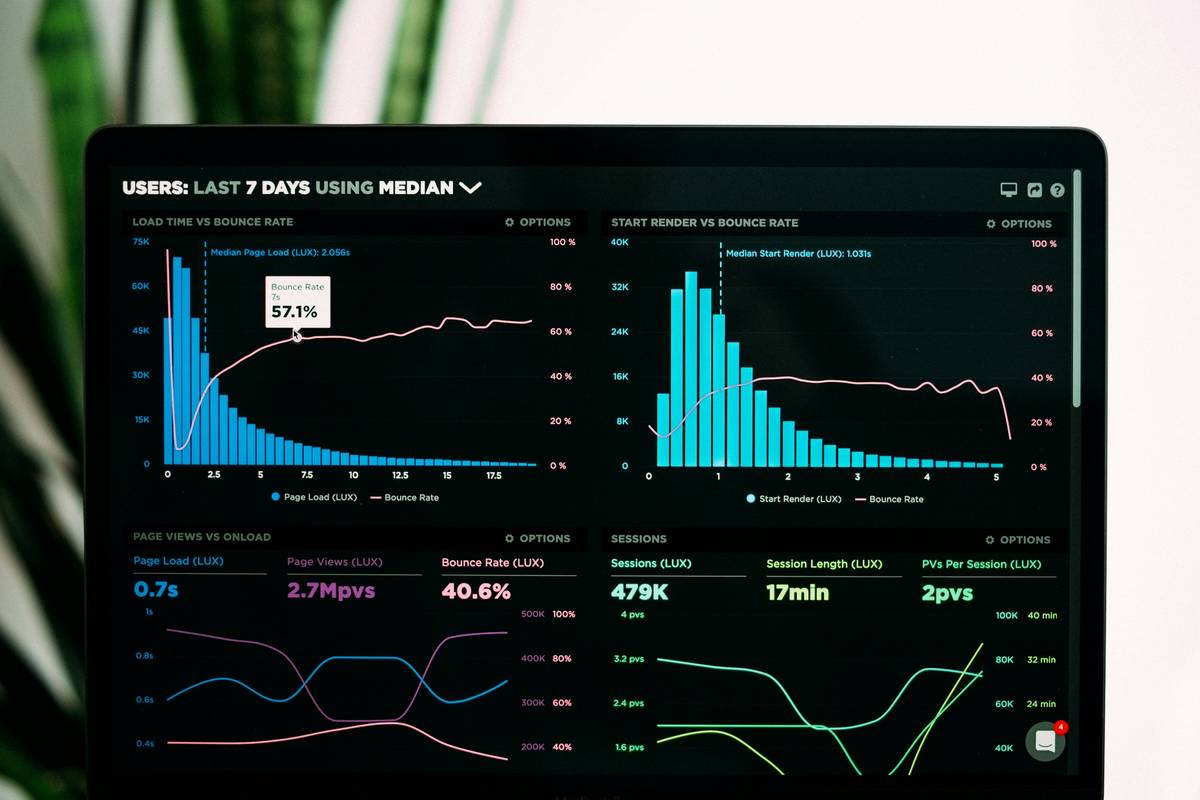
CRM stands for **Customer Relationship Management**—but think of it less as “management” and more as your relationship memory. It automatically logs calls, emails, meeting notes, purchase history, and support tickets in one searchable profile per contact. No more guessing if Dave prefers Tuesdays for calls or whether Mia paid Invoice #234.
According to Capterra, businesses using CRM see a 29% increase in sales productivity. For small teams, that’s not just growth—it’s survival.
How Do I Choose My First CRM Without Getting Overwhelmed?
Optimist You: “Just sign up for the fanciest one!”
Grumpy You: “Ugh, fine—but only if coffee’s involved… and it doesn’t require a PhD to set up.”
Truth? Most small businesses overbuy. You don’t need AI-powered sentiment analysis when you’re managing 50 contacts. Focus on these non-negotiables:
Step 1: Map Your Customer Journey
Sketch your typical path: lead → demo → close → support → repeat. Where do you drop balls? If it’s follow-ups, prioritize email automation. If it’s onboarding, look for task templates.
Step 2: Prioritize Mobile + Simplicity
You’re not at a desk all day. Apps like Freshsales and Zoho CRM offer slick mobile experiences that let you log calls or update deals mid-coffee-run.
Step 3: Test Free Tiers Ruthlessly
HubSpot’s free CRM includes contact management, email tracking, and deal pipelines—zero cost. Use it for 14 days with real leads. If it feels like adding work, walk away.
Terrible Tip Alert: “Just buy whatever has the most 5-star reviews!” Nope. Enterprise CRMs like Salesforce have stellar ratings but require consultants to configure. Bad fit = shelfware.
What Are the Best Practices to Actually *Use* Your CRM?
Here’s the dirty secret: 63% of CRM projects fail due to low user adoption (Gartner). Not because the tool sucks—but because it feels like extra chore.
Fix that with these battle-tested habits:
- Log interactions instantly: After a call? Tap “Log Call” before hanging up. Delay = forget.
- Automate the boring stuff: Set rules like “If lead opens pricing page 3x, notify me.” Tools like Zoho do this out-of-the-box.
- Review weekly, not monthly: Every Friday, scan your “stale deals” report. Send one personalized email to revive them.
- Integrate your email: Connect Gmail or Outlook so every message auto-logs. No copy-pasting!
Sounds tedious? It’s less time than re-explaining your service to someone because you forgot their name. Trust me—I once called a client “Mr. Johnson”… his name was Dr. Patel. Never again.
Real Small Business Wins: Who’s Nailing It?
Meet Leo, owner of a 5-person web design agency. He switched from spreadsheets to HubSpot CRM last year. Result?
- Follow-up time dropped from 2 days to 2 hours
- Missed renewal rate fell from 18% to 2%
- His sales rep closed 30% more deals using pipeline reports
Or take Maya, a boutique fitness coach. She uses Freshsales to track client goals, session notes, and payment status. Now she spots at-risk clients early (“Haven’t logged a workout in 10 days”) and sends a motivational nudge—boosting retention by 40%.
This isn’t magic. It’s just having your customer brain externalized.
CRM FAQs: Answered Honestly
What is CRM software in simple terms?
It’s a digital address book on steroids. It stores every interaction with leads and customers—calls, emails, deals, support tickets—in one searchable place so you never drop the ball.
Do small businesses really need CRM?
If you’ve ever lost a lead, duplicated effort, or forgotten a client detail—you need one. Even solopreneurs with 10 clients benefit. Spreadsheets don’t scale; humans forget.
Is free CRM software any good?
Yes! HubSpot’s free tier is legit for up to 1M contacts. But avoid “freemium” traps—ensure core features (email logging, pipelines) aren’t paywalled.
How much does CRM cost?
Free options exist. Paid plans start at $12/user/month (Zoho) and go up to $100+/user for advanced features. For <10 people, stay under $30/user.
Will CRM replace my human touch?
Nope—it amplifies it. By automating admin work, you get *more* time for genuine conversations. Think of it as your wingman, not your robot overlord.
Conclusion
So, what is CRM software? It’s your anti-chaos weapon. For small businesses, it’s not about fancy dashboards—it’s about never losing another lead, annoying a client with “Hey, remind me…”, or wasting hours hunting for info.
Pick a simple, mobile-friendly tool. Start with free if you can. Log every interaction like your business depends on it (it does). And watch how 15 minutes of daily CRM discipline buys back hours of sanity.
Like a Tamagotchi, your CRM needs daily care—or it dies. But feed it right, and it grows your business while you sleep.
Lost leads fade away
CRM logs save the day
Coffee fuels the fix